
01
Upload a photo of your room
Any phone photo works. Stand where you'd normally see the space from and keep the spot you're furnishing in frame.
Staging & Mood
Upload a photo of your room and up to 4 product photos or screenshots from any store. Archify's Place in Room tool puts those pieces into your room and returns one photoreal image, lit by your room's own light — so you can see how they look together before you buy.
25 credits per image · 1–4 products per image · About 15–30 seconds · New accounts start with 500 free credits.
See It Work
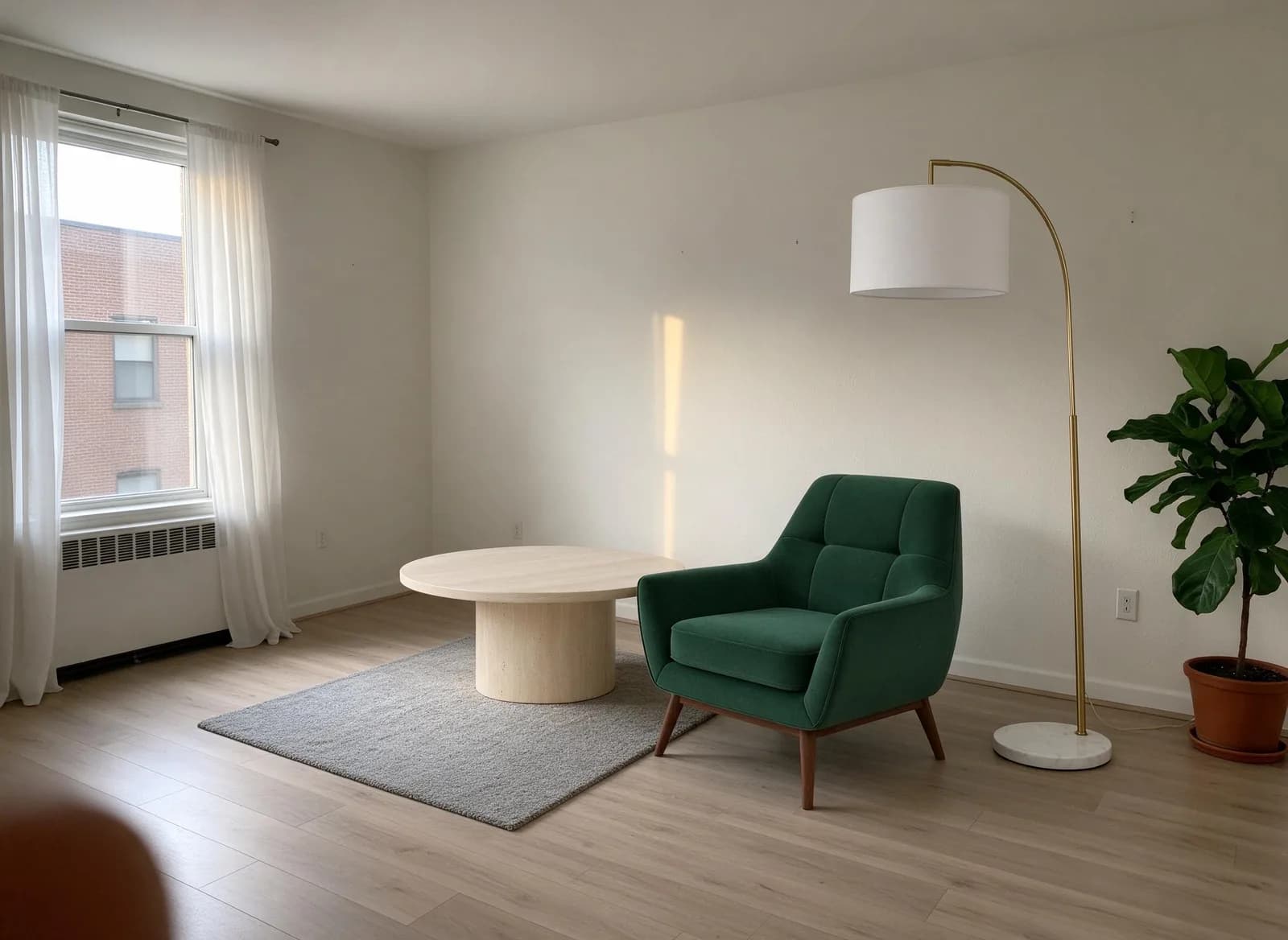
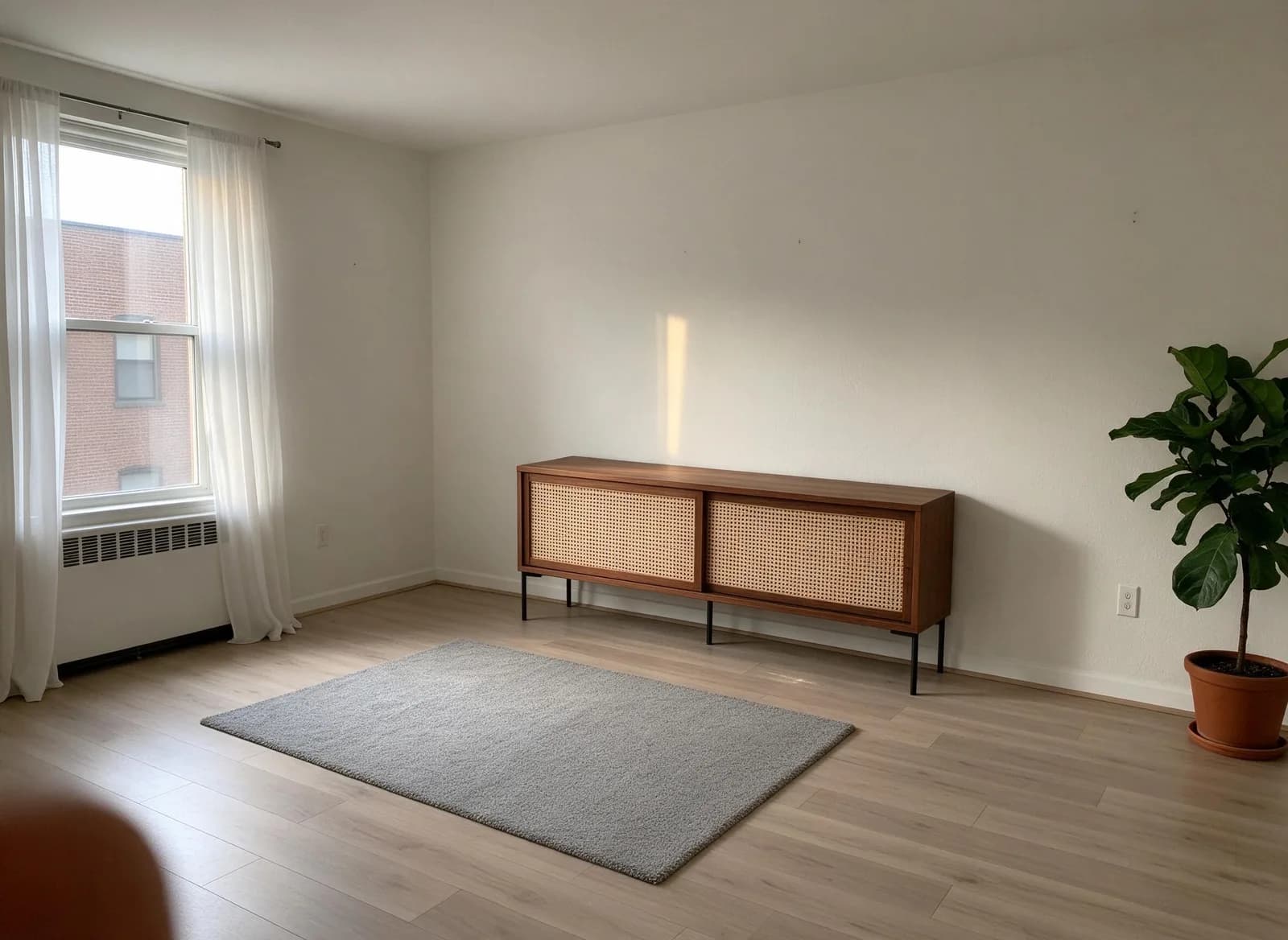
Real Place in Room outputs on a demo room photo. The room keeps its walls, window, floor, rug and plant; only the products are added.
The product photos
 Velvet armchair
 Travertine coffee table
 Brass arc floor lamp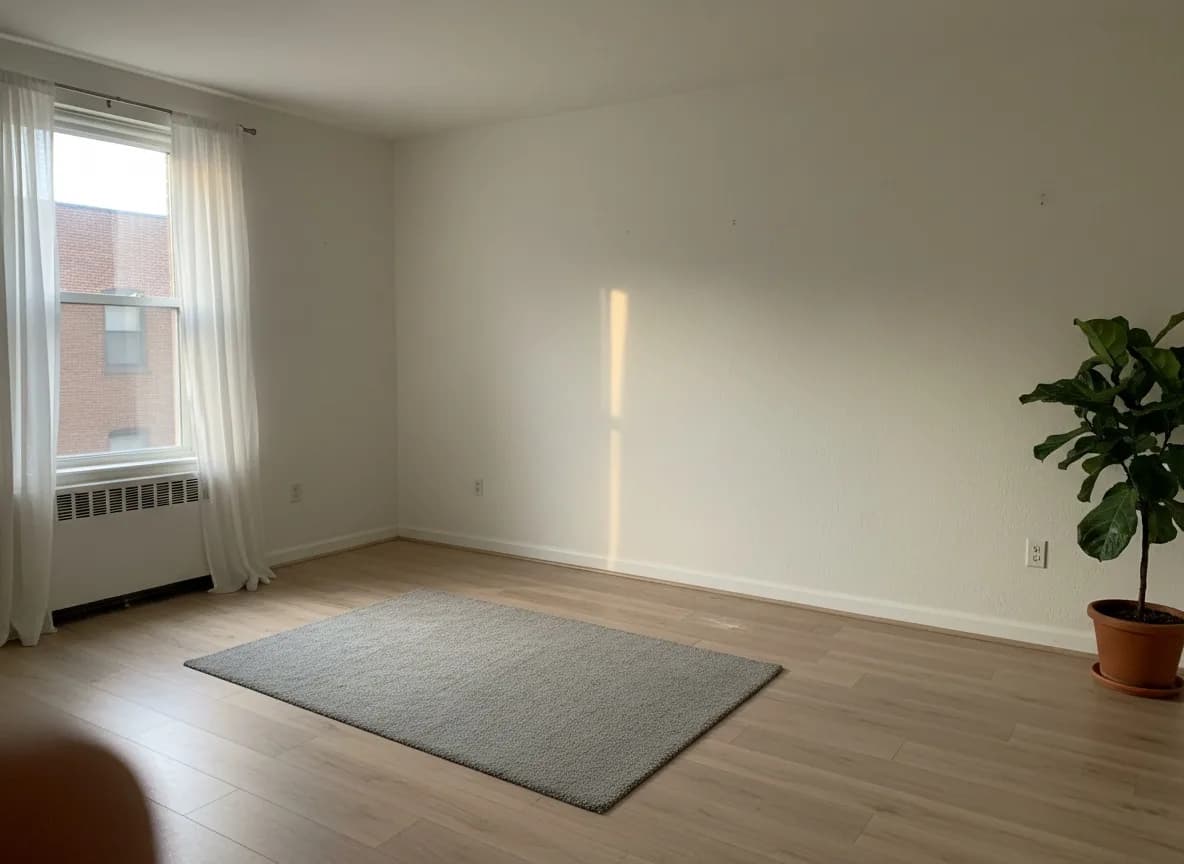
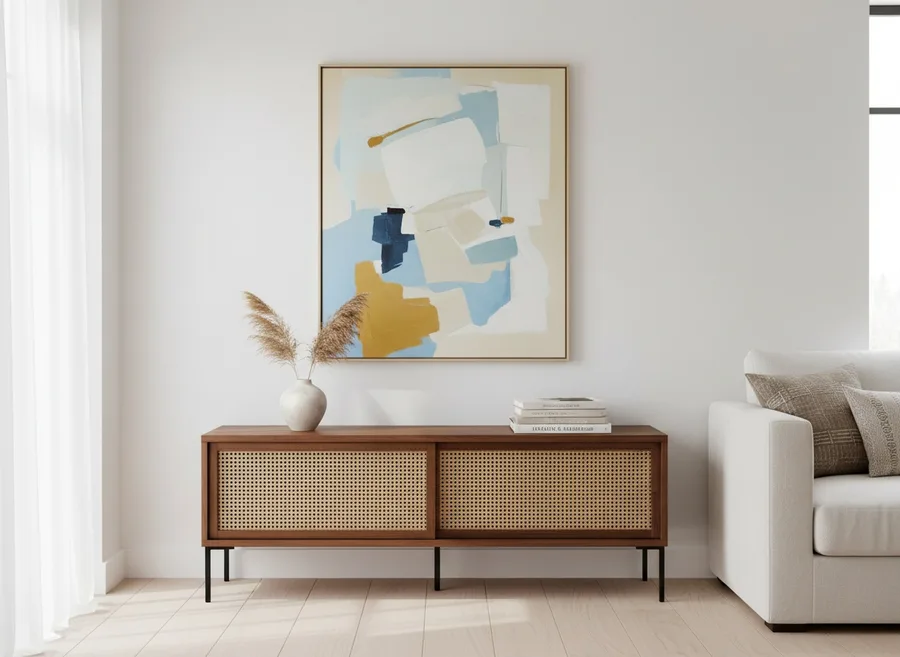
This sideboard's listing photo shows it styled with art, a vase, books and a sofa. Place in Room takes only the product — the rest of the listing stays out of your room.
How It Works
01
Any phone photo works. Stand where you'd normally see the space from and keep the spot you're furnishing in frame.
02
Upload product photos or screenshots from any store's site or app — plain shots, cutouts or styled listing photos — or pick pieces from your Product Studio library.
03
Add an optional note like "armchair by the window, lamp behind it." About 15–30 seconds later you get one photoreal image of your room with the products in it. 25 credits per image.
Who It's For
Screenshot the sofa, rug or lamp you're weighing up and see it in your own living room before you order — or compare two options side by side, one image each.
Drop the pieces you're proposing into the client's own room photo, so they react to their space instead of a showroom shot. Run a second version for the alternate.
Upload your catalog once to Product Studio, then place your real products in a customer's or listing's room photo in a few clicks.
Learn more →Pricing
Place in Room is 25 credits per image on every plan, including free — no separate checkout, and failed runs refund automatically.
Starter
$29/mo launch price
3,000 credits every month — about 120 images. Archify watermark included. Unused credits roll over while you stay subscribed.
Pro
$79/mo launch price
10,000 credits every month — about 400 images. Watermark-free downloads and the video tools. Unused credits roll over while you stay subscribed.
Studio's 30,000 monthly credits cover about 1,200 images. Every plan includes the full Archify tool set at each tool's own credit cost. See current plans and one-time credit packs, or open Place in Room.
Honest Limits
It's a fast way to see a look in your space. These are the things to know before you rely on it.
It doesn't measure your room or the product. Sizes are realistic estimates from the photos, so check the retailer's real dimensions — and your tape measure — before you buy.
Overall shape, color and material usually carry over well, but fine details such as stitching, hardware or a fabric pattern can shift. If one matters, run it again or check the product page.
You get a single still image of the room as you photographed it — not a 3D model, not AR, and not a view you can walk around.
It doesn't look up SKUs, prices or stock. It works from what's visible in each product photo, so a clear, well-lit shot gives the closest match.
FAQ
It's a tool that shows real furniture in a photo of your own room. In Archify it's called Place in Room: you upload a room photo and 1–4 product photos, and it returns one photoreal image with those products placed in your room, lit by the room's own light.
Each image is 25 credits, on every plan including free. New accounts start with 500 free credits. That's about 20 images before you need a plan. Starter ($29/mo launch price, 3,000 credits) covers about 120 images a month, Pro about 400 and Studio about 1,200. Unused credits roll over while you stay subscribed.
Any. It reads the product photo, not the store's website, so a product image saved from a listing, a cutout on a white background or a screenshot from a shopping app all work. There's nothing to connect and no store list to check.
No. It places each product at a realistic estimated size for the room, but it doesn't know your room's real dimensions or the product's. Treat the image as a look-and-feel preview, and check the retailer's listed dimensions against your own measurements before you buy.
It takes only the product. Store listings often show a piece surrounded by art, plants and other furniture; Place in Room lifts just the product into your room and leaves the rest of the listing photo behind — see the sideboard example above. If a photo shows several pieces, a screenshot cropped to the one you want gives the clearest result.
Usually about 15–30 seconds. The finished image is around 2K and lands in your History, where you can download it.
On the free plan and Starter, yes — the Archify watermark is on every tool's output there, including this one. Pro, Studio and the multi-seat plans are watermark-free.
You get your credits back automatically. If the image service can't place the products, the full cost is refunded to your balance — you only pay for an image you actually get.
Keep Going
Furnish an empty room by room type and style when you don't have specific products in mind.
Clear clutter and personal items out of a room photo before you place anything new.
Change a room photo's lighting mood without touching the furniture or layout.
New accounts start with 500 free credits. No credit card required to start.